A CMMS is the shared record of every asset and every job
A computerized maintenance management system keeps four records: the assets you look after, the work raised against them, the schedules that repeat, and the parts consumed on the job. This page covers where the category stops, and the questions worth asking before you choose.


 Join
1,200+
maintenance teams in
110+
countries
Join
1,200+
maintenance teams in
110+
countries



What a CMMS actually is
A CMMS replaces the wall planner, the clipboard and the shared spreadsheet with one database that technicians, supervisors and requesters all read from. Four record types do most of the work, and everything else the category offers is reporting layered on top of them.
- Assets: the equipment, vehicles, rooms or systems you are responsible for
- Work orders: every job raised against an asset, planned or unplanned
- Schedules: work that repeats on an interval, a meter reading or a run hour
- Parts: what was consumed on a job, what is left, and what it cost



CMMS, EAM, field service
or a helpdesk?
The labels overlap and vendors are not consistent about them, which is why buyers lose weeks to demos of the wrong category. A CMMS is centered on maintaining equipment you own. The neighboring categories each widen or narrow that in a specific direction, and knowing which one you need is most of the shortlisting work.
- CMMS: work orders, schedules and asset history for equipment you own
- EAM: the same, plus procurement, depreciation and end of life planning
- Field service: dispatch and scheduling for work done at a customer site
- Helpdesk: requests and routing, with no asset record underneath them

Who ends up buying one
CMMS buyers are rarely software buyers. They are maintenance managers, facility managers, plant engineers and operations leads who have run out of room in a spreadsheet, or who have been asked for evidence they cannot produce. Team size matters far less than whether a record of the work exists anywhere other than in one person's memory.
- A one person operation that needs a defensible history, not a bigger spreadsheet
- A growing team losing jobs between email, text messages and paper
- A regulated site that has to produce maintenance evidence on request
- A multi site operator that wants one process everywhere
The five capability areas
of a CMMS
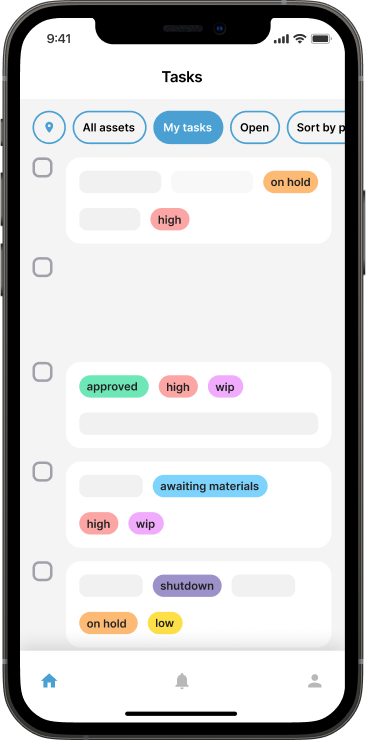

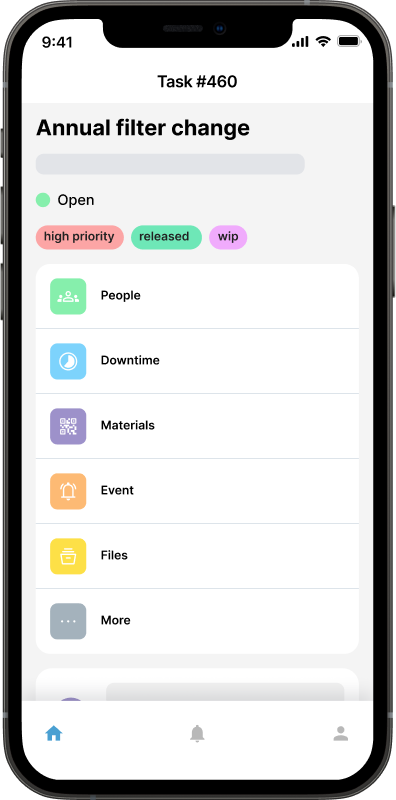
Work order management is the core of the category and the part to test hardest during a trial. Watch how a job gets raised, who is allowed to raise it, what a technician sees on the way to the job, and what the record looks like once the work is signed off. A system that captures a photo, a reading and the parts used at the moment of the work is worth far more a year later than one that captures a tick box.
Preventive Maintenance
Work that repeats on a calendar interval, a meter reading or a run hour count. Ask what happens to a job nobody completed: it should roll forward and stay visible, not quietly disappear.
Corrective Maintenance
Unplanned work raised against a failure. Check how it is assigned, how the technician finds out, and whether comments and photos stay attached to the job rather than living in a group chat.
Mobile CMMS
Most maintenance happens away from a desk. Check that the phone app is a real app rather than a shrunken web page, and ask what it does when the signal drops in a plant room.
Maintenance Requests
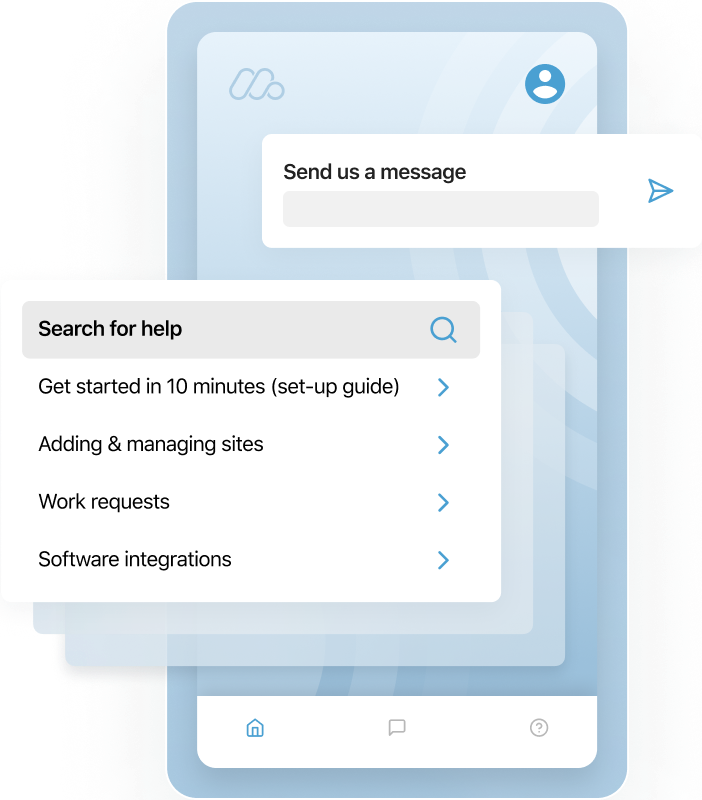
A way for people outside the maintenance team to ask for work without needing a seat in the system. Check whether a requester can see progress without calling you to ask.


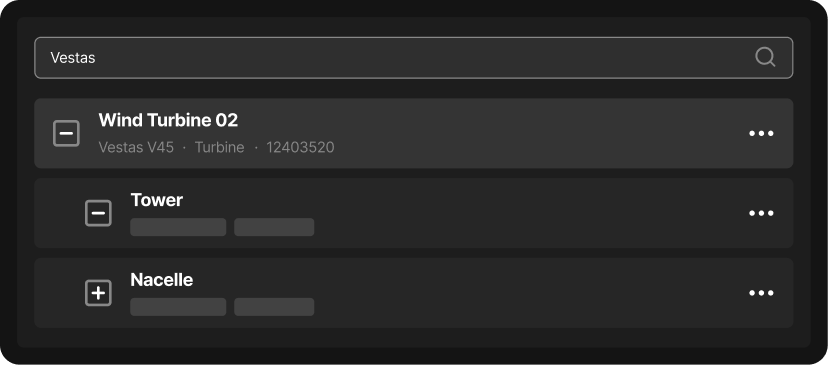
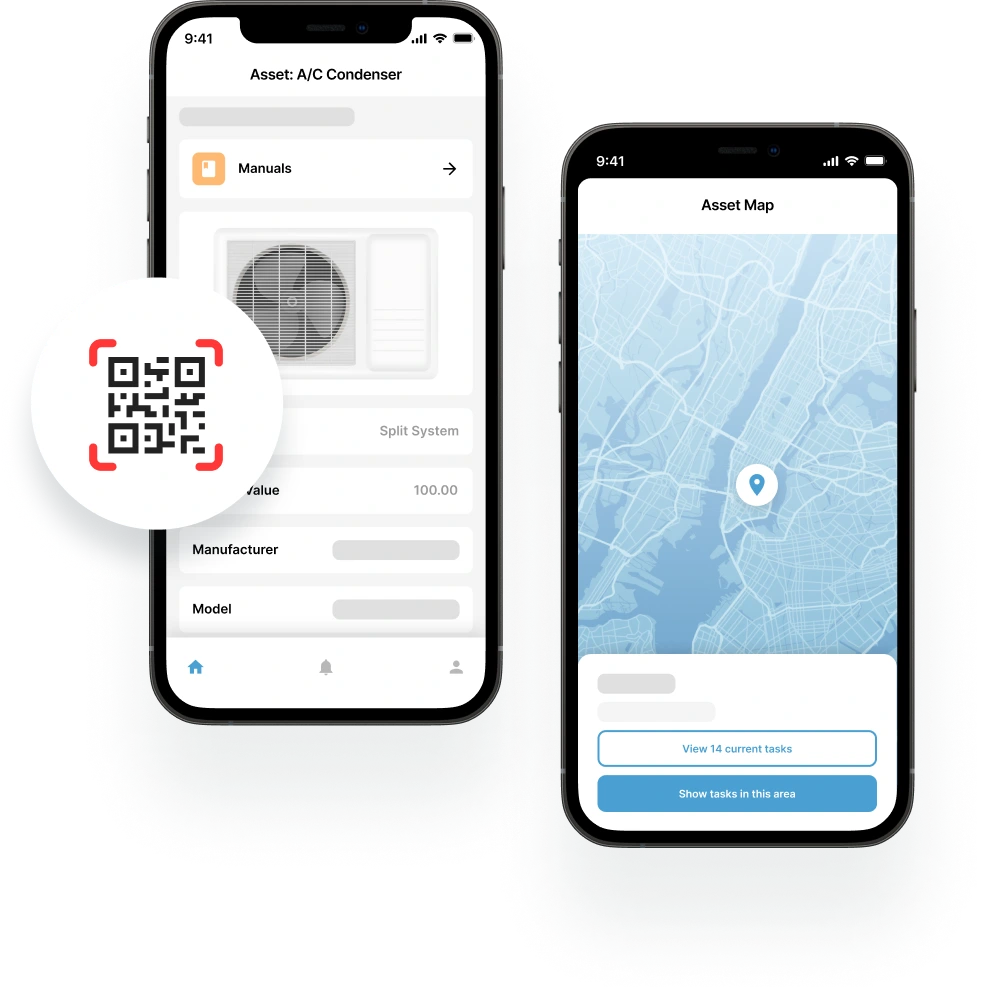
The asset register is what turns a pile of jobs into a history you can reason about. Check how deep the hierarchy can go, how existing equipment lists are imported, and whether a technician standing in front of a machine can pull up its record in a few seconds.
Asset QR labels
A label on the machine that opens its record on a phone. In practice it is the difference between a history that gets filled in and one that does not.
Flexible Asset Hierarchy
Sites, buildings, lines, machines, components. Check that you can start flat and add depth later, rather than being made to model everything before you log a single job.
Equipment Audit Trail
Every job, part and comment attached to a specific asset or sub component. This is what most compliance and warranty requests are really asking for.
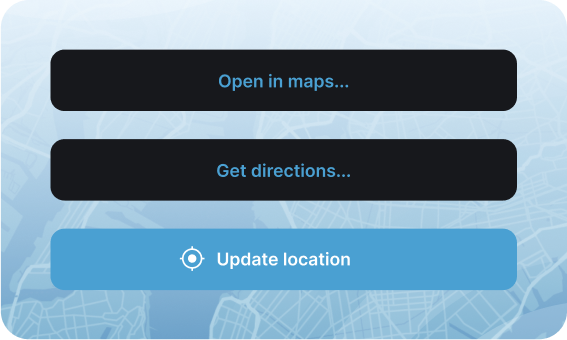
Geolocation & Movement
For anything that moves between sites, the record has to follow the asset rather than stay with the place it was first registered.
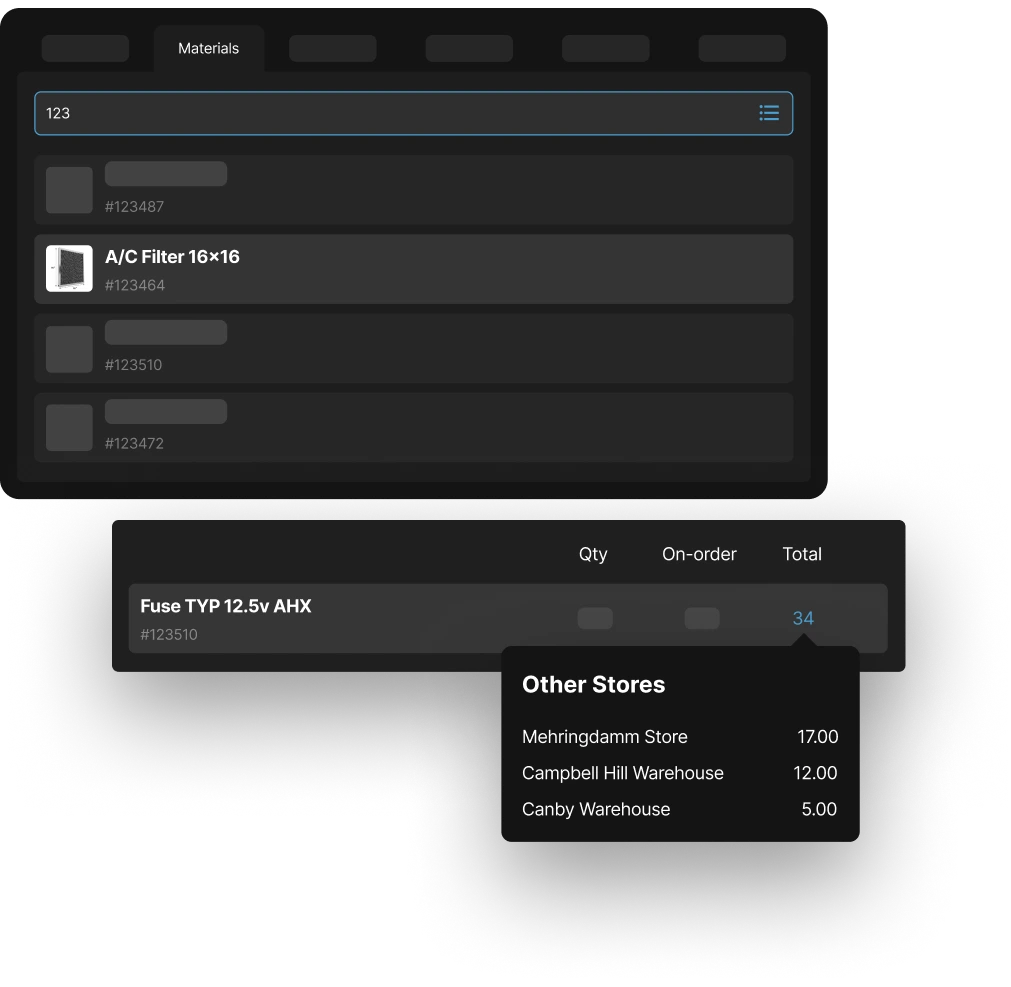
Spare parts are where CMMS projects most often over reach. Most teams only need to know what a job consumed and what is left on the shelf. A smaller number genuinely need purchasing, transfers between warehouses and counting cycles. Buy the second kind only when you can name the person who will run it.
Spare Part Consumption
Parts recorded against the work order that used them. This is the minimum that makes a parts record worth keeping at all.
Inventory Audit Trail
Where stock came from, where it went and who moved it. It earns its keep the first time a count fails to reconcile.
Cycle Counts
Frequent small counts in place of one big annual stocktake, weighted towards the parts that move most often.
Inventory module
Purchasing, warehouse transfers, shipments and back orders. Genuinely useful at scale, and a distraction below it, so look for a system that lets you leave it switched off.
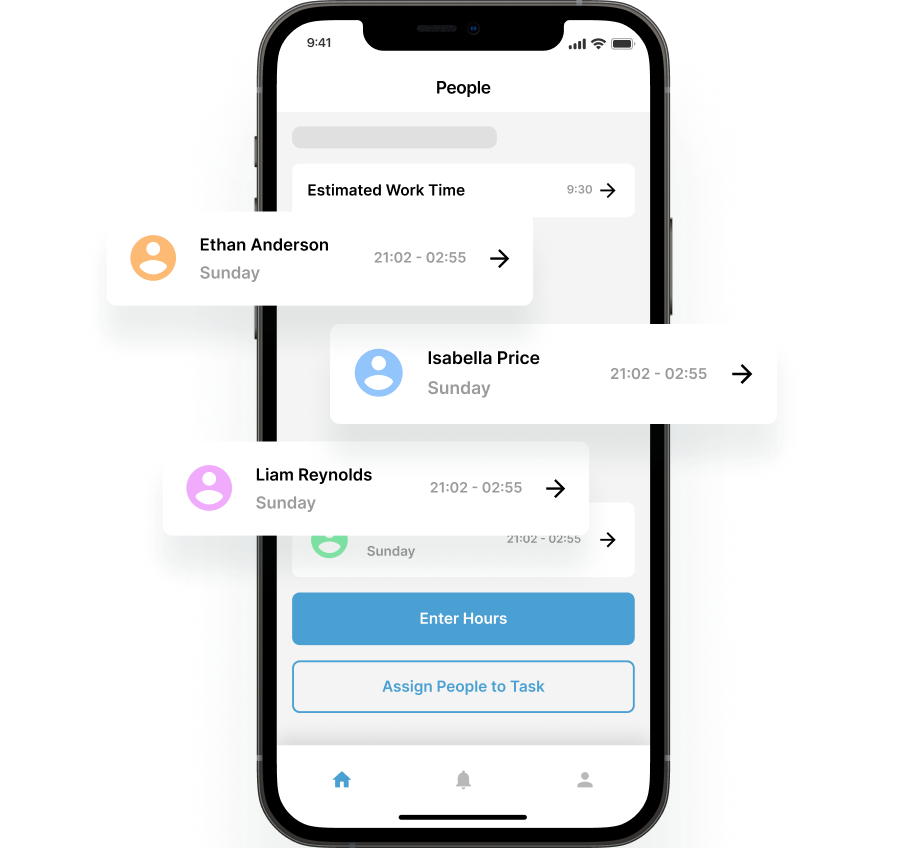
A CMMS is only as good as the people willing to open it, so permissions and time tracking deserve more attention than they usually get in a demo. Work out who needs full access, who only ever needs to raise a request, and whether an outside contractor or an asset owner should see anything at all.
User Accounts
In house, contracted, full or restricted. The question that decides the cost of a CMMS is how many people need a licensed seat, not how many people are involved.
Integrated Timesheets
Time on the job is already being captured by the work order. A system that reuses it saves the team a second round of data entry.
Advanced Timesheet Features
Overtime rules, allowances and payroll export. Worth adding once maintenance labor is being costed, and not before.

Reporting is the reason the record is being kept in the first place. Before comparing dashboards, decide which two or three numbers you would actually act on. Downtime by asset, mean time between failures and preventive completion rate answer most of what a maintenance budget conversation asks.
Advanced Filtering
The ability to build the view you need rather than accept the one you were handed. Check this before you let a polished demo dashboard impress you.
Included Reports
Downtime, asset performance, mean time between failures, root cause, inventory and technician workload. Check which of these are included and which are sold as an extra.
API Integrations
An open API is the exit route as much as the integration route. If the data cannot be read back out on your terms, the maintenance history is not really yours.
Four questions worth asking
before you commit
Every CMMS demo looks the same after the third one. These are the criteria that still separate them once the feature lists have blurred together.
How long until the first work order?
Time to the first real job is the best single predictor of whether a CMMS survives its first year. If you cannot add one asset and raise one work order yourself inside a trial, without a scoping call first, that is the answer. Long implementations fail quietly: the software goes live and the team keeps using the spreadsheet.
Does it work where the work happens?
Maintenance is done in plant rooms, on roofs and in vehicle bays, not at a desk. Test the phone app on a real phone, in a real spot with poor signal, with a real technician. A CMMS that is only pleasant on a laptop is a CMMS that gets filled in from memory at the end of the week, which is the same problem you started with.
Are you paying for what you use?
The established vendors tend to bundle everything into tiers, so a five person team ends up funding procurement and predictive modules nobody will ever open. Look instead at the shape of the plans: whether there is a free way to start, whether capability is added as separate modules, and whether a seat costs the same for a technician as it does for a manager. We set out what each of the major vendors publishes, tier by tier, so you can see the shapes side by side.
Can you get your data back out?
Every asset record, work order and attachment you create is history you would have to recreate somewhere else. Check for a documented export and a public API before you start loading data, not after. The vendors most reluctant to give a straight answer are the ones where it matters most.
Free
- Mobile CMMS app
- Repeating work orders
- Checklists
- Meter readings
- Task templates
- Unlimited request users
- Asset QR labels
Small Business
Everything in Free, plus:
- Unlimited audit trail
- Unlimited work requests
- Unlimited checklists
- Work order approval
- Custom fields (assets & parts)
Enterprise
Everything in Small Business, plus:
- Unlimited preventative maintenance
- Unlimited reports
- API access
- Dedicated account manager
- Priority support
Inventory Add-on
- Spare part inventory management
- Inventory barcoding
- Cycle counts
- Purchase orders & stock transfers
- Stock shipments and backorders
Timesheets Add-on
- Auto-populate timesheets with work order data
- Capture non-work-order hours in timesheets
- Overtime, banked hours & allowances
- Timesheet approvals


