Free CMMS Software: What You Actually Get
 By Patrick O'Meara

Computerized Maintenance Management System (CMMS) software plays a pivotal role in ensuring the seamless operation of assets and equipment. As organizations strive to enhance efficiency and reduce downtime, the quest for an effective CMMS solution becomes imperative. While there are numerous options available in the market, the allure of free CMMS maintenance software often piques the interest of budget-conscious businesses. However, the term "free" can be deceiving, and it's essential to discern when a free CMMS is genuinely valuable and not just a cost-cutting compromise.
Defining Free CMMS
Free CMMS maintenance software refers to computerized systems that are accessible without requiring an upfront payment. These solutions typically offer a basic set of features aimed at assisting businesses in managing their maintenance operations. However, the true value of such software extends beyond the absence of a price tag, encompassing various factors that determine whether it is a genuinely beneficial investment.
When is Free CMMS Maintenance Software Truly Useful?
Scalability and Flexibility
A genuinely free CMMS is one that can adapt to the evolving needs and growth of your organization. Scalability is crucial, allowing the software to accommodate an increasing volume of assets, users, and maintenance activities without sacrificing performance.
Look for a solution that provides flexibility in terms of customization, allowing you to tailor the software to your specific industry, workflow, and maintenance requirements.
User-Friendly Interface
Free CMMS maintenance software should be user-friendly, ensuring that even non-technical staff can navigate and utilize its features efficiently. Intuitive interfaces contribute to quicker adoption and minimal training requirements.
A well-designed software interface streamlines the maintenance process, from work order creation to asset management, contributing to increased productivity and reduced downtime.
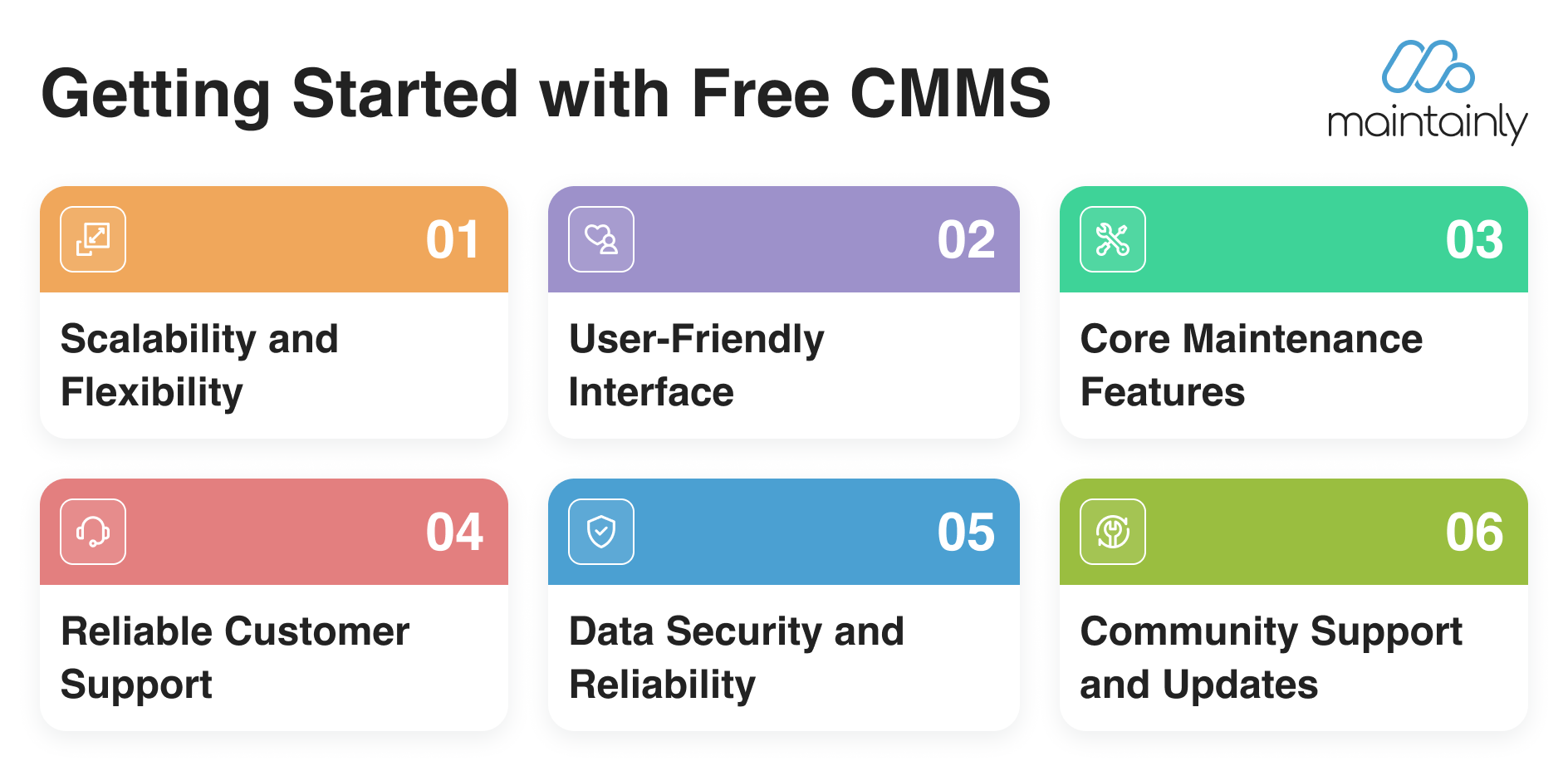 Core Maintenance Features
While it's free, the software should not compromise on essential maintenance features. Look for a solution that covers preventive maintenance scheduling, work order management, asset tracking, and inventory management.
Ensure that the core features are robust and capable of meeting your organization's basic maintenance needs, helping you establish a solid foundation for efficient operations.
Reliable Customer Support
The absence of an upfront payment doesn't mean you should sacrifice reliable customer support. A free CMMS that offers prompt and effective support ensures that any issues or concerns are addressed promptly, minimizing disruptions to your maintenance processes.
Look for a software provider that offers various support channels, such as email, chat, or phone, and has a comprehensive knowledge base or documentation to assist users.
Data Security and Reliability

Security is paramount when it comes to managing sensitive maintenance data. A reputable free CMMS should prioritize data security, including encryption, regular backups, and adherence to industry standards.
Consider the reliability of the software, including uptime guarantees and data recovery mechanisms. A system that ensures the safety and integrity of your maintenance data is indispensable for a successful CMMS implementation.
Community Support and Updates
Free CMMS maintenance software often benefits from a community of users who actively contribute feedback, share best practices, and help troubleshoot issues. A strong user community can be an invaluable resource for learning and problem-solving.
Regular updates and improvements are also crucial. A reputable free CMMS provider should demonstrate a commitment to continuous development, addressing user feedback and evolving industry standards.
What "Free" Actually Means, and Why It Varies
Not all free CMMS platforms are the same. Two products can both be advertised as free and give you completely different things, so the first job in any evaluation is working out which kind of free you are looking at.
Feature-limited. The core is free forever, but modules such as inventory, timesheets, reporting or API access sit behind a paid plan. This is the most honest shape, because the free tier keeps working indefinitely for the jobs it covers.
User-limited. Everything is included, but only for one or two seats. Useful for a solo facilities manager, restrictive the moment a second technician needs their own login.
Volume-limited. Free until you pass a cap on work orders, assets or requests. The cap is easy to miss at sign-up and painful to hit halfway through a busy quarter.
Storage or retention-limited. Records are deleted or archived after a set period. This is the variation to watch if you need maintenance history for compliance, because the data you need at audit time is exactly the data that has aged out.
Time-limited. A trial wearing the word free. Perfectly reasonable, but it is not a free plan and should not be evaluated as one.
Open source. Free to license, not free to run. You supply the hosting, the upgrades, the backups and the security patching, which is a real cost carried by someone on your team.
A free tier that quietly changes shape is worse than no free tier at all, so read the plan page rather than the headline, and check what happens to your data on the day you stop qualifying.
One shape sits just outside the free bracket and is worth pricing anyway: the low flat subscription, where a single number covers the whole team instead of a rate per seat. SS-CMMS is the clearest example in this market: its site lists unlimited users on the paid plans, with the 5-user limit applying only to the 30-day trial (ss-cmms.com, September 2026), which changes the arithmetic enough to belong on the shortlist next to the free plans. Read what it does not include as carefully as what it does, because file storage is billed separately as an add-on.
Which Organizations a Free CMMS Suits
A free plan is a genuine fit, not a compromise, when the work is real but the scale is small:
Small and medium businesses with a handful of assets and one or two people looking after them.
Non-profits and community organizations, where every dollar spent on software is a dollar not spent on the mission.
Startups, which need the maintenance history to exist from day one but cannot justify a per-seat commitment yet.
Schools, churches and community centers, where the building is the asset and the maintenance team is often part time or volunteer.
Any team running a pilot, using the free tier to find out whether structured maintenance management changes anything before asking for a budget.
The common thread is that these teams are not comparing a free CMMS against an enterprise platform. They are comparing it against a spreadsheet, a shared inbox and someone's memory, and against that baseline even a basic free plan is a large step forward.
Where a Free Plan Stops
The trade-offs are predictable, and knowing them up front is what stops a free plan turning into a migration project six months later.
Depth of features. Repeating work orders and checklists are common on free tiers. Inventory management, timesheets, work order approvals, custom fields, API integrations and real reporting usually are not.
Scale. What works for two technicians rarely survives the move to twenty. Deep asset hierarchies, granular user roles and multi-site filtering are where free tiers run out first.
Support. Paid plans come with onboarding and a person to ask. Free plans often come with a knowledge base and a forum, which is fine until something breaks in the middle of a shutdown.
The cost of the gaps. The software is free, but the manual workaround is not. Time spent chasing a part that nobody recorded as consumed, or reconstructing downtime figures from memory because there is no reporting, is a real cost that just does not appear on an invoice.
None of that makes a free plan the wrong choice. It makes it a choice with a horizon, and the useful question is how far away that horizon is for your team.
Free CMMS for Small and Medium Businesses
Small and medium businesses are the clearest case, because the risk profile is different from an enterprise rollout. There is no procurement cycle to justify, no integration programme, and no long implementation to write off if the tool turns out to be wrong. A free plan lets an SMB find out what its own maintenance process actually looks like before committing to anything.
That discovery is most of the value. Teams that start free almost always learn something they did not know: which assets generate the most reactive work, how much of the week goes on jobs nobody scheduled, how many requests arrive by text message and never reach a list. Those answers are what make the later decision about a paid plan an informed one rather than a guess.
The practical advice is to pick a free tier that has a paid path you would actually be willing to take. Migrating between CMMS vendors after a year of records is far more expensive than the subscription you were avoiding, so evaluate the paid plans of a free product as carefully as the free one.
How to Evaluate a Free CMMS Before You Commit
Run the same evaluation you would run on a paid product. The price is the one thing that will not tell you whether it fits.
Define what you need it to do. Work orders, preventive schedules, asset history, parts, requests from non-users. Write the list before you look at any product, so the demo cannot write it for you.
Find the limits. Users, assets, work orders, storage, retention. Ask what happens when you cross each one.
Test it with a real asset and a real job. Not a sample. If your team will not use it on a busy day, nothing else about the product matters.
Check the exit. Can you export your assets, work orders and history in a usable format, without asking anyone for permission? A tool you cannot leave is not free.
Price the path, not the plan. Add up what the paid tier and any add-ons would cost at the team size you expect in two years, and look at the current figures on the pricing page rather than a number quoted in an article.
Conclusion
In conclusion, the true value of free CMMS maintenance software lies in its ability to deliver tangible benefits beyond its cost-free nature. Organizations should carefully evaluate the scalability, user-friendliness, core features, customer support, data security, and community support of a free CMMS before considering it a genuinely valuable asset. When chosen wisely, a free CMMS can serve as a powerful tool for enhancing maintenance management, contributing to improved efficiency, reduced downtime, and overall operational excellence. Remember, the real value of a free CMMS is not just in the absence of a price tag, but in the positive impact it can have on your organization's maintenance processes and long-term success.
Further Reading

What Does CMMS Stand For? Acronym and Meaning
What the CMMS acronym stands for, what the software records once a team has one, and where the category stops.
Read more →
Understanding Total Cost of Ownership (TCO) for SaaS Products and Its Importance in CMMS Selection
What is Total Cost of Ownership (TOC) in relation to SaaS products? It is critical to making a more informed decision when selecting a SaaS product to invest in for the long-term. For CMMS solutions, understanding TCO ensures that businesses not only choose the best fit but also avoid unexpected costs and optimize their maintenance operations over time.
Read more →
How to Choose the Right CMMS for Your Business
Efficient maintenance management is crucial to keep operations running smoothly. That's where Computerized Maintenance Management Systems (CMMS) and Work Order Management Software come into play. These digital tools help streamline maintenance tasks, reduce downtime, and ultimately boost productivity.
Read more →
For Small & Medium Business CMMS, Maintainly is the Top Choice for 2026
We review a handful of the top CMMS options you’ll see on shortlists in 2026 and explain why, for teams in the sweet spot of 5–50 regular users, Maintainly is the best choice: fast onboarding, low friction for adopters, and pricing that scales sensibly for small & mid-sized companies.
Read more →
Preventive Maintenance for Small Companies: How to Make CMMS Accessible
Most small business owners already wear multiple hats, and the idea of implementing a computerized maintenance management system (CMMS) can seem intimidating. Isn’t it expensive? Complicated? Time-consuming? It doesn’t have to be.
Read more →
