Farm Equipment Maintenance Software: Reduce Downtime When It Matters Most
 By Eve
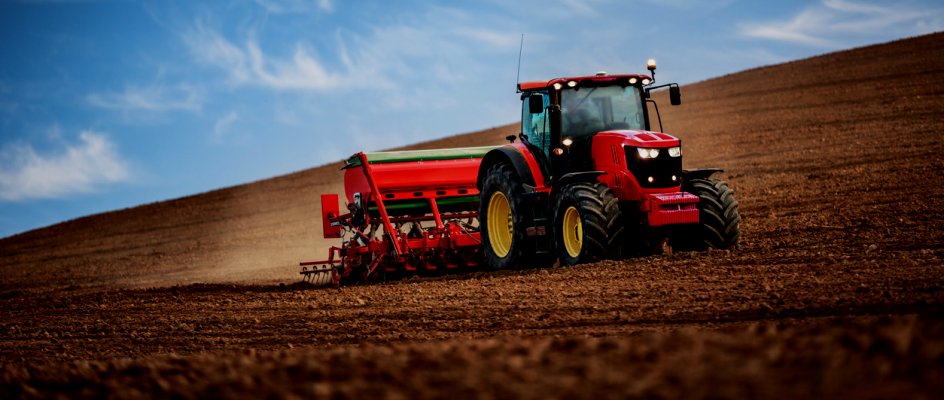
When a tractor breaks down in the middle of planting season, every hour of downtime has a direct cost. Unlike a manufacturing plant that can stagger repairs, farm operations are tightly tied to weather windows and seasonal cycles. Missing a critical week during planting or harvest isn't just inconvenient: it can determine whether a crop is profitable.
Farm equipment maintenance software helps operations teams track service history, schedule preventive maintenance, manage spare parts inventory, and respond faster when something breaks. Here's what it does and how to choose the right approach for your operation.
Why Farm Equipment Is Different
Farm machinery operates under brutal conditions: dust, mud, extreme temperatures, and heavy loads. A combine harvester might sit idle for months, then run 18 hours a day during peak harvest. Tractors accumulate hours rapidly during soil preparation and then stop. This seasonal intensity makes maintenance scheduling uniquely challenging.
Traditional paper logs and spreadsheets can't keep up. By the time a technician notices that a service interval was missed, the window to fix it properly has often passed: the equipment is already in the field.
What Farm Equipment Maintenance Software Tracks
Good maintenance software covers the full range of agricultural equipment. Each machine gets its own record: manufacturer specs, service history, warranty information, attached manuals, and upcoming maintenance schedules. Typical equipment covered includes:
Tractors and utility vehicles
Combines and harvesters
Planting equipment and seed drills
Irrigation pumps and pivot systems
Grain handling and storage equipment
Trailers, sprayers, and attachments
Meter-Based vs. Time-Based Scheduling
Most farm equipment maintenance is triggered by engine hours rather than calendar time. A tractor might need an oil change every 250 hours of operation, not every three months. Maintenance management software lets you set service triggers based on meter readings, so alerts fire when equipment actually reaches its service threshold, not before, and not after.
For equipment without an hour meter (like an irrigation pump or grain auger) time-based scheduling still works: service quarterly, inspect before each growing season, replace filters on a fixed cycle.
Key Features for Farm Operations
Equipment Asset Register
A central database of every machine: make, model, serial number, purchase date, warranty expiry, and attached manuals. When a technician needs the torque spec for a combine header bolt at 6am, it's in the system, not in a binder back at the office.
Hour Meter Tracking
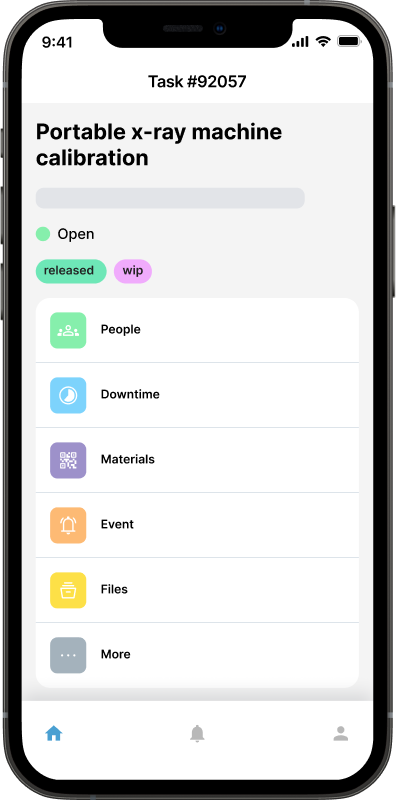
Mobile CMMS software tracks equipment usage in real time, or lets technicians log meter readings manually. Either way, the system triggers upcoming maintenance automatically when equipment approaches a service threshold: no mental math required.
Work Order Management
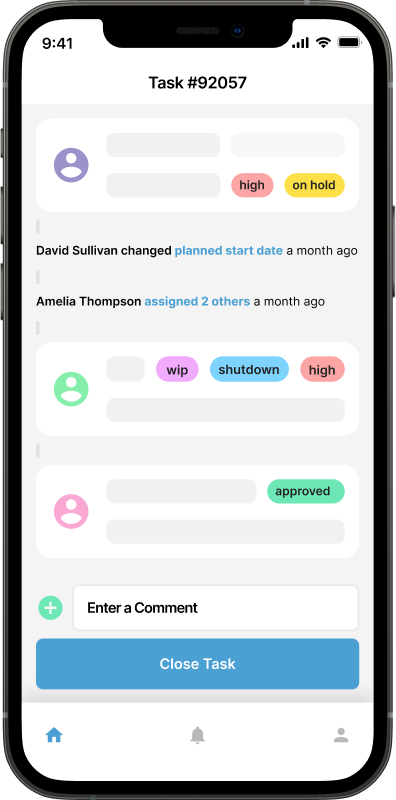
When a service is due, create a work order, assign it to a technician, and track it through to completion with notes and photos. Every repair is documented without hunting through paper folders.
Spare Parts Inventory
Track which filters, belts, fluids, and consumables are on hand. Get notified when stock runs low before a critical service window approaches. Running out of oil filters during pre-harvest preparation is an avoidable problem with basic inventory tracking.
Mobile Access
Technicians in the field need to log work orders from wherever the equipment is parked. A mobile app means no paperwork lost between the barn and the office: photos, notes, and meter readings go straight into the system.
 The Cost of Reactive Maintenance on Farms
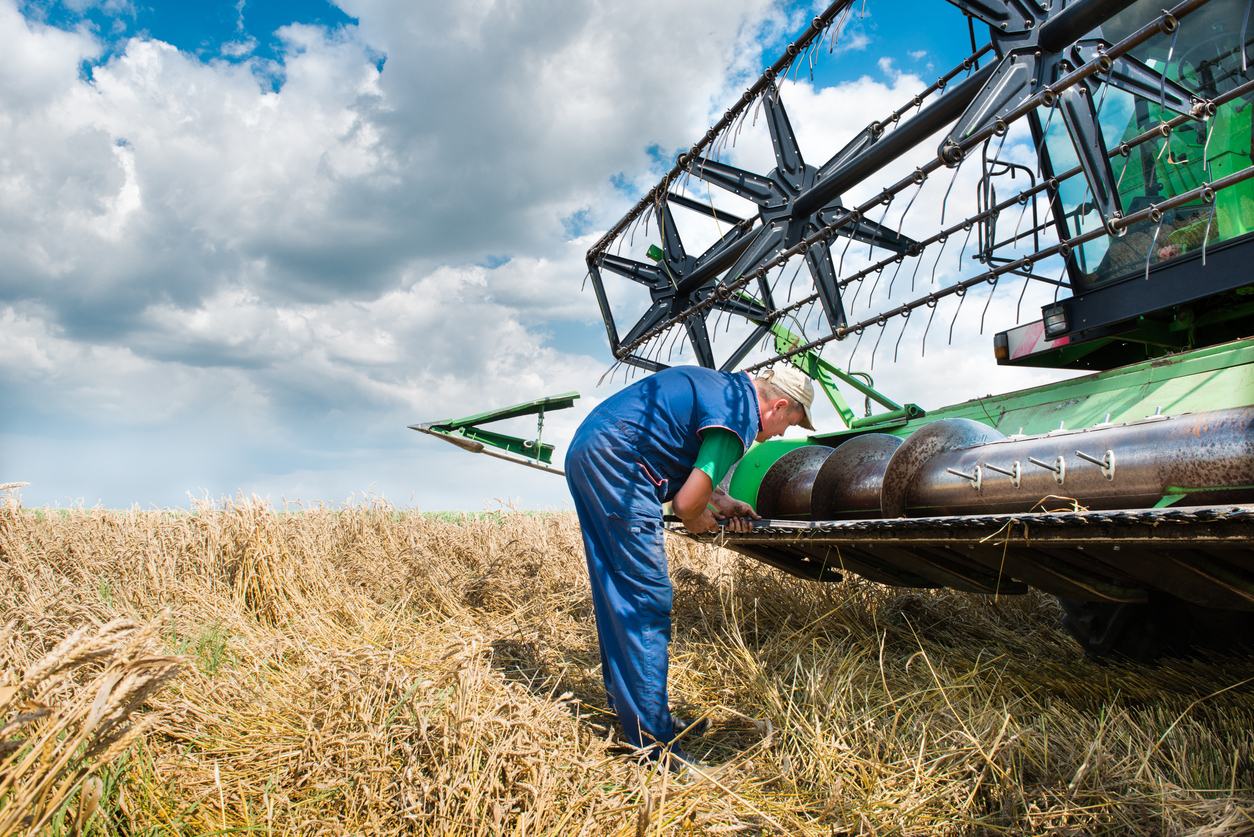
Waiting for equipment to break before servicing it costs more than most operators realize. An emergency tractor repair during planting season can mean parts at premium prices or long waits on shipping, overtime labor for urgent repairs, rental equipment to bridge the gap, and delayed planting that directly reduces yields.
Preventive maintenance (changing fluids on schedule, inspecting belts and chains before high-use periods, checking hydraulic lines) costs a fraction of emergency repairs. Agricultural maintenance software makes the scheduling automatic so nothing slips through the cracks.
Pre-Season Checklists: Never Miss an Inspection
One of the most valuable features in maintenance software is the ability to create reusable checklists. Before each growing season, a standard pre-season checklist might include:
Inspect all hoses and belts for wear or cracking
Change engine oil and replace filters
Check tire pressure and condition on all equipment
Test all lighting and electrical systems
Calibrate planting, seeding, or spreading equipment
Inspect irrigation systems for off-season damage
These checklists attach to work orders, so nothing is forgotten and completion is documented. The same template runs every season, building a consistent inspection record over time.
Service Records and Compliance
In many regions, agricultural operations need to document equipment maintenance for insurance purposes, food safety compliance, or equipment warranty claims. Requirements vary by location, but organized service records protect operators in all of these situations.
With paper logs, finding a service record from two seasons ago means a frustrating search through filing cabinets. With maintenance management software, a complete history is a few clicks away, filterable by asset, date range, or technician.
Getting Started: Moving from Paper or Spreadsheets
The transition from paper logs to software doesn't need to be a major project. A practical four-step approach:
List every piece of equipment: this becomes your asset register
Set up service schedules for each asset based on manufacturer specs
Log current meter readings so the system knows where each machine stands today
Enter any known upcoming service needs as open work orders
You don't need to migrate years of paper records to get value from day one. The system starts accumulating history immediately. Migrating maintenance tasks to software is simpler than most operators expect.
What to Look for When Choosing Software
Farm operations vary enormously: a small family operation has different needs than a large commercial farm. When evaluating farm equipment maintenance software, prioritize:
Simple setup without a lengthy implementation project
Mobile-friendly interface for field use without reliable Wi-Fi
Support for hour-meter-based service intervals, not just calendar triggers
Pricing that scales with the size of the operation
No complex IT requirements: it should work out of the box
Many CMMS platforms built for industrial use are over-engineered for farm operations. A system that's too complex won't get used, and software that doesn't get used provides zero benefit.
CMMS for Farm Equipment
Farm equipment maintenance software takes the guesswork out of service scheduling and creates a reliable record of every repair and inspection. The return on investment is clearest when you consider what a combine failure during harvest actually costs versus the time spent on a scheduled pre-harvest inspection.
Keeping critical machinery running isn't just about cost control: it's about protecting the investment in every season's crop. A simple, well-configured maintenance system pays for itself the first time it prevents an emergency breakdown.
Try Maintainly CMMS for farm operations free for 14 days.
Further Reading

How Agricultural Maintenance Software Helps Farmers Cut Costs, Increase Uptime, and Streamline Workflows
Before sunrise, a farmer walks the field to check the irrigation lines. The soil is ready, the weather looks right, and the plan for the day is clear.
Read more →
What Does CMMS Stand For? Acronym and Meaning
What the CMMS acronym stands for, what the software records once a team has one, and where the category stops.
Read more →
The Science Behind Mobile CMMS Software: How It Tracks Equipment in Real Time
We all know how a little downtime can affect certain industries like manufacturing, healthcare, and IT, as even a 5s downtime can cost a lot. So, it’s very important to have the ability to monitor and maintain equipment efficiently.
Read more →
Tips for Migrating Your Maintenance Tasks to Software
Switching software tools can feel like a lot. For many maintenance teams, the story starts the same way: a handful of spreadsheets, paperwork orders pinned to a board, and lots of walking around to check who’s doing what. It works until it doesn’t.
Read more →
Compliance & the Role of Maintenance Management Software
Maintenance management software, often referred to as Computerized Maintenance Management Software (CMMS), facilitates compliance by managing equipment, scheduling inspections, automating documentation, and providing data analytics.
Read more →